App Store
screenshots.
Designed by code.
StoreShot is a free, open-source tool that turns your app screenshots into App Store and Google Play listings — as a CLI driven by one JSON config, or in a browser editor with no account. Deterministic local rendering, eleven art-directed templates, first-class Arabic RTL, exact verified store dimensions.
$ npm install -g storeshot-cliNode ≥ 20 · Windows / macOS / Linux · MIT
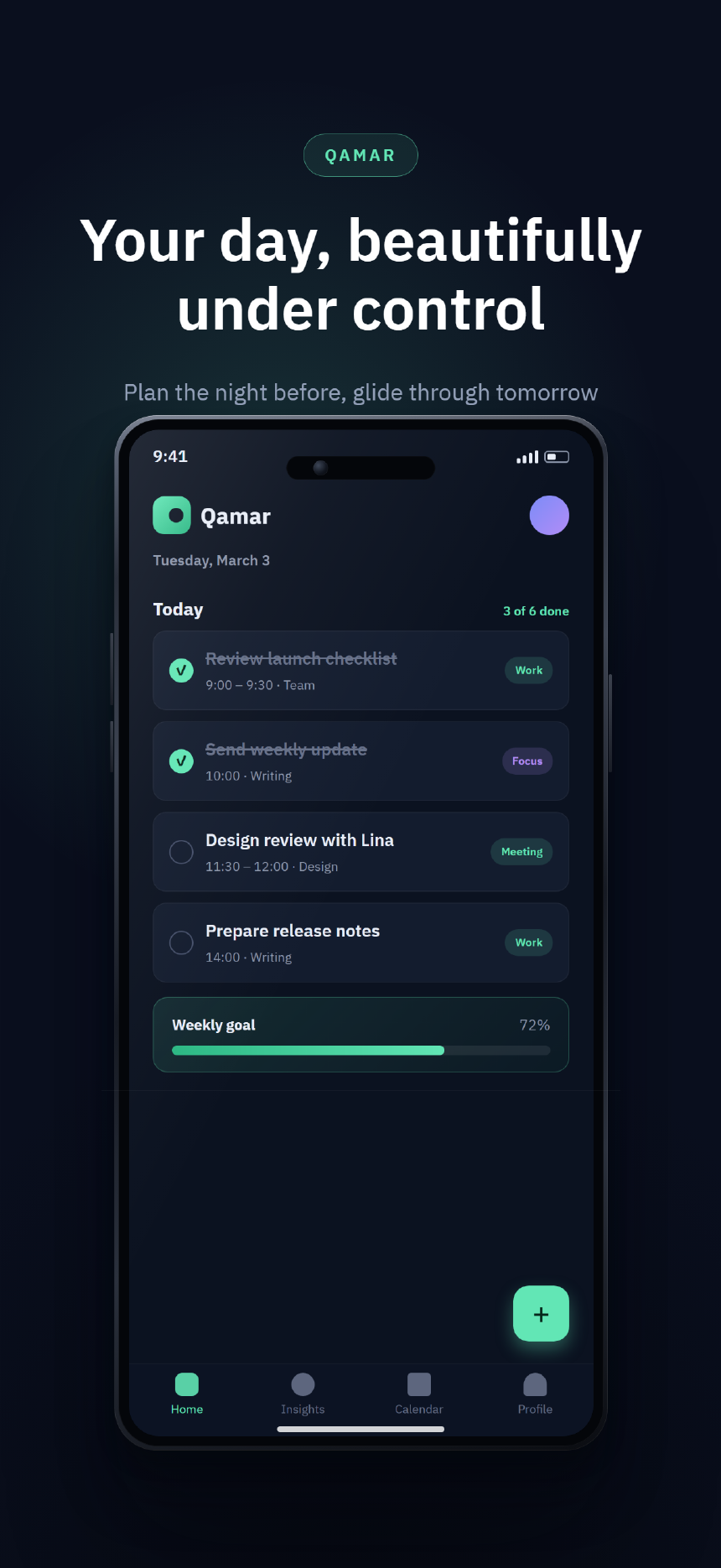
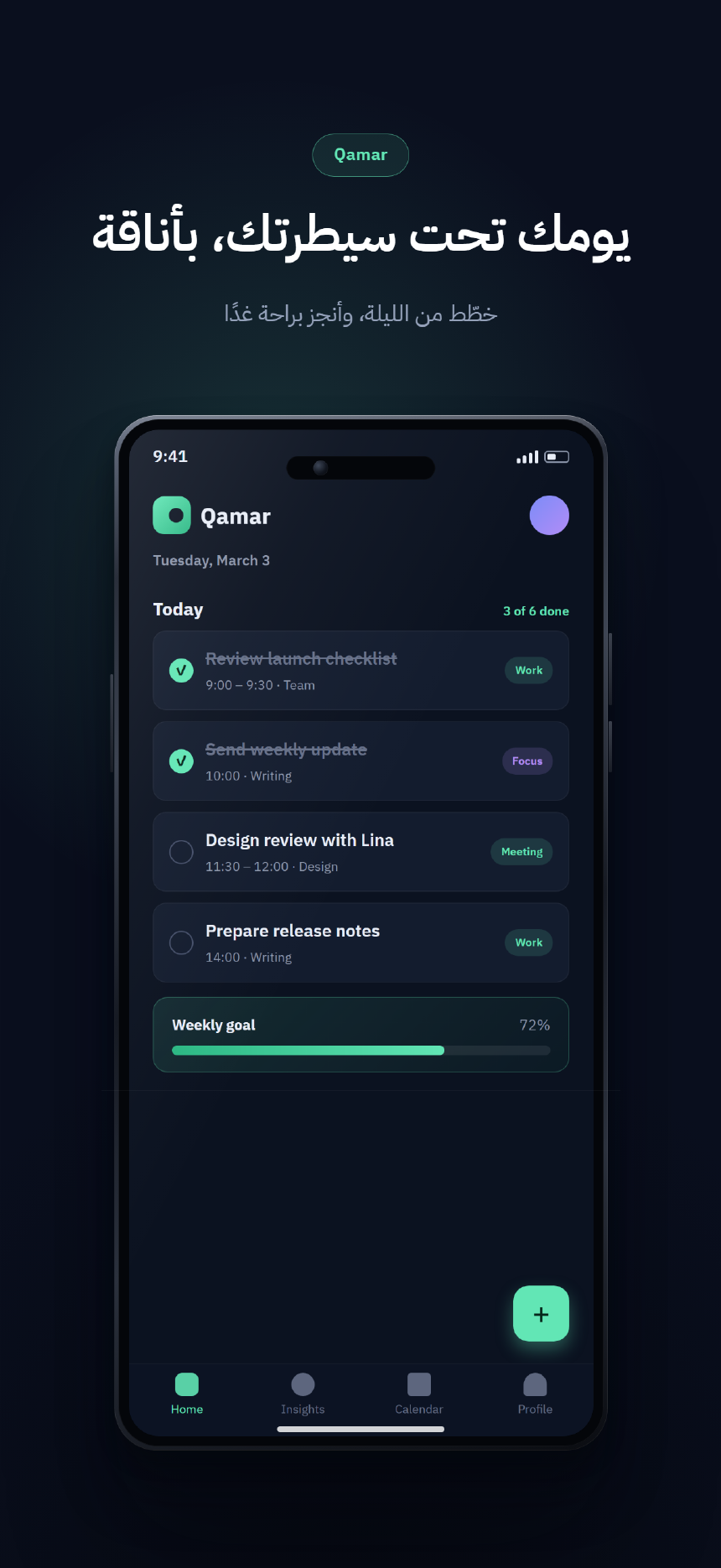
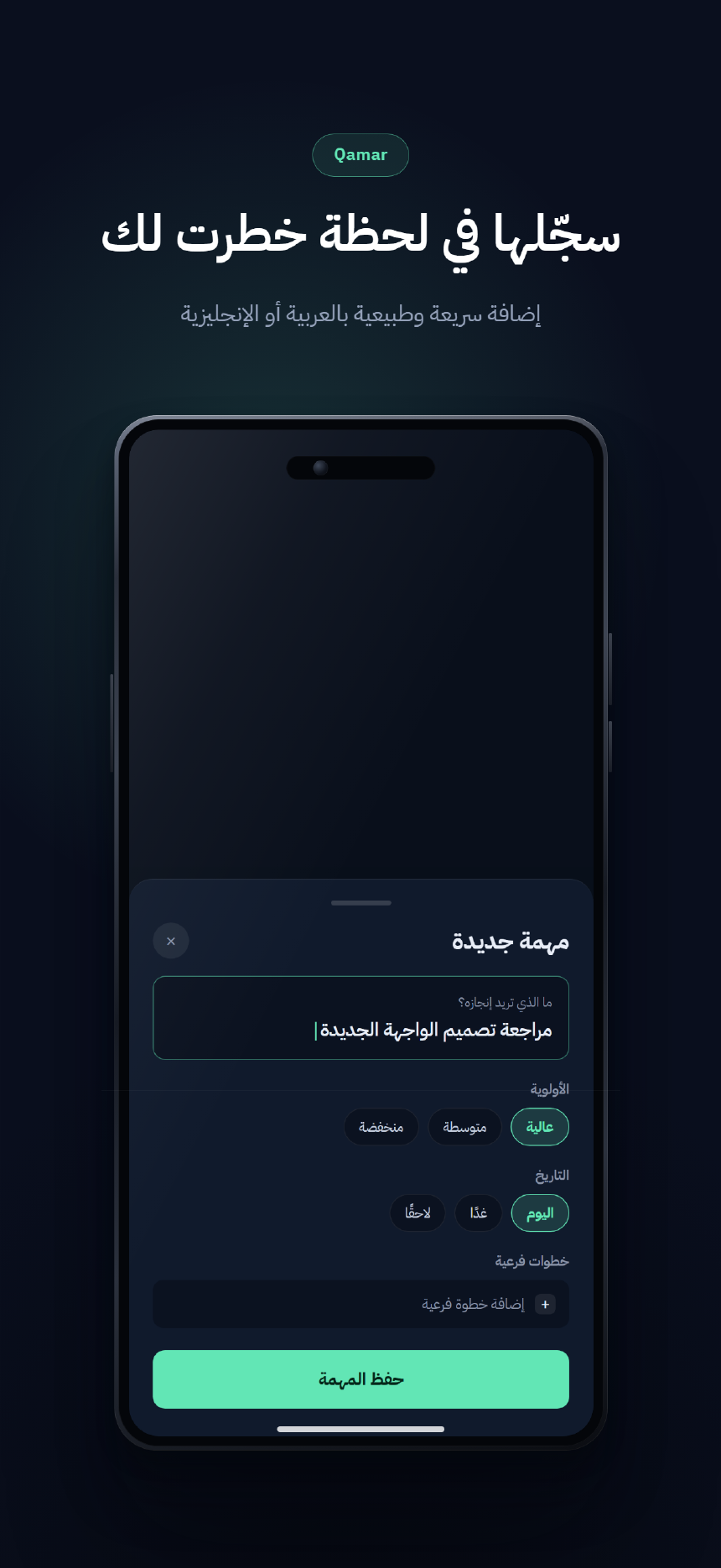
Every frame on this site is unretouched output of storeshot generate — same config in, same pixels out, every run.
Two tools, one engine
The same templates, the same geometry validation, the same verified dimensions — as a build step or in the browser.
The CLI · npm
For builds and releases
One storeshot.config.json drives screenshots × locales × device sizes. Rendering is local and deterministic, and storeshot validate --json gates every render in CI — nothing is ever uploaded.
The Web editor · /editor
For designing by eye
Upload a screenshot, pick a template, edit copy, colors and spacing with a live preview at true export pixels. No account, no upload — preview and validation run in your browser, export renders server-side and is deleted immediately.
Exact sizes, verified
Store profiles are data, checked against Apple's and Google's official specifications on 2026-10-10. If a size is wrong, the render fails before you ship it.
Sources and verification dates live in the store profiles reference. Full list and custom-size rules in the docs.
One app, six art directions
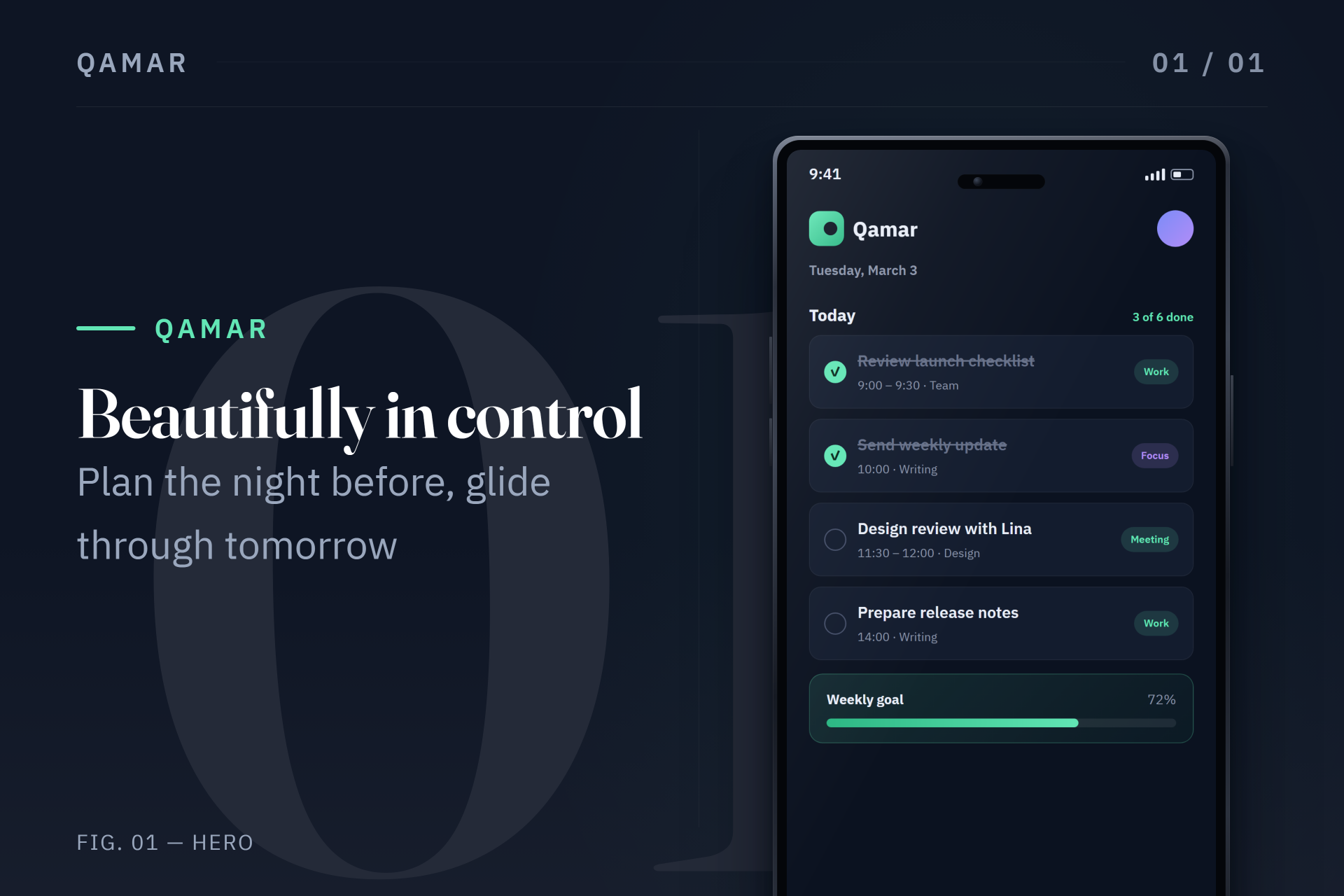
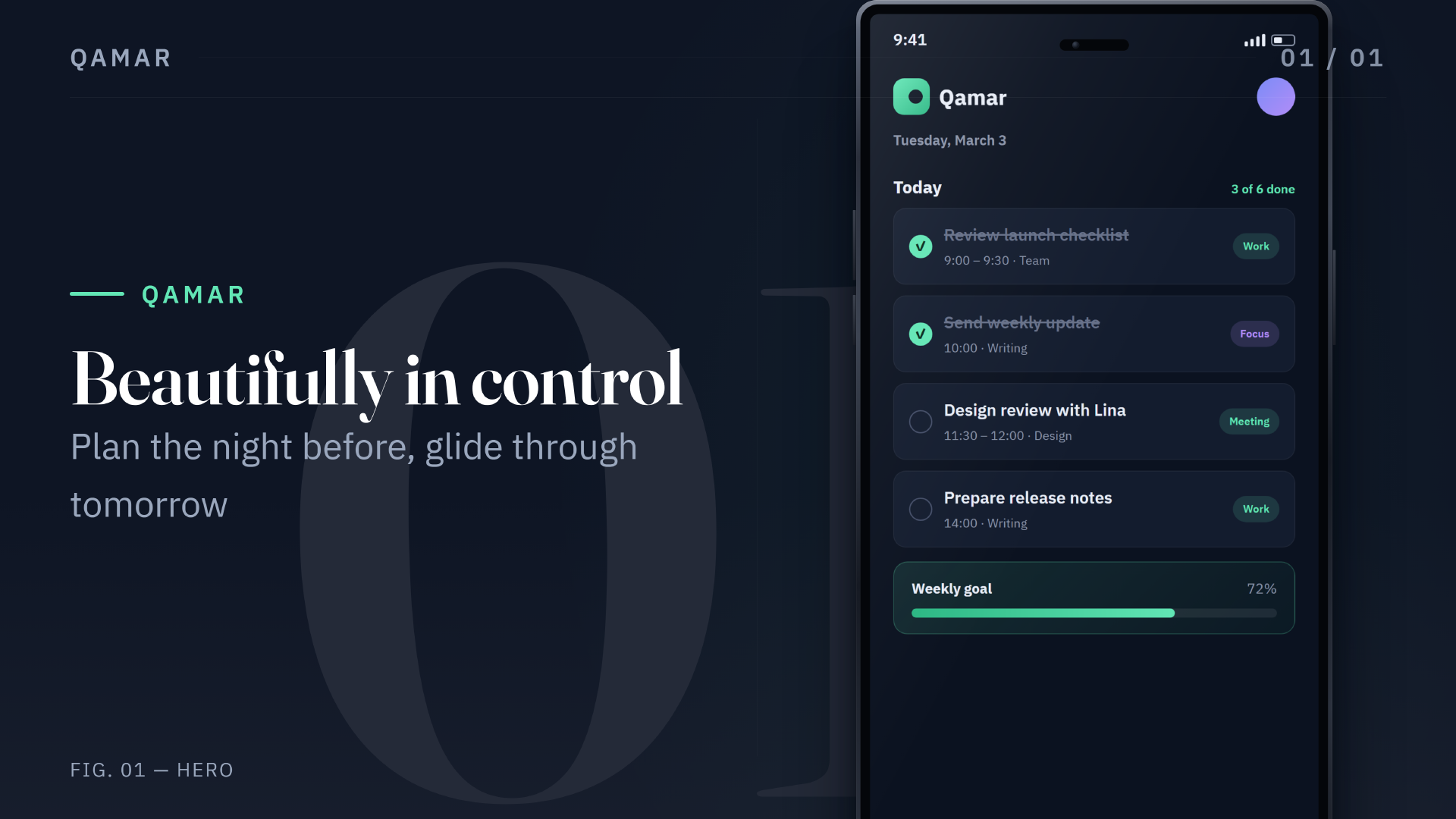
The same app, screenshot and copy, rendered through every design family — in English and Arabic, portrait and landscape. Pick a departure, inspect the plates.
--template cinematic · --template cinematic-3dProduct-studio photography: key light, floor reflection.
Why StoreShot
A deterministic rendering plant for store creatives — not another canvas with device frames around rectangles.
- 01CLI-based workflow
- One JSON config drives screenshots × locales × device sizes.
storeshot initscaffolds it;storeshot generaterenders it;storeshot validate --jsongates it in CI. - 02Repeatable local rendering
- Renders offline with Chromium on your machine. The same config, assets and version always produce the same pixels — nothing is uploaded, no API keys, no subscription.
- 03Art-directed templates
- Eleven templates across six design families — each a distinct design system with its own typography, composition rules and device presentation, not a background swap.
- 04Arabic & RTL, first-class
- Connected letterforms, mirrored compositions and mixed Arabic/English text through Chromium's text engine — never string reversal or alignment flips.
- 05Open source, free forever
- MIT-licensed, deterministic by design, and built in the open. New templates, verified store profiles and RTL edge cases are first-class contributions.
From config to listing, three commands
Everything below is the real CLI — no invented flags. The starter project ships in the npm package with a bilingual example app.
- 01
Configure your project
npx storeshot init my-appAn interactive wizard sets your app name, story, locales, template and theme. First render uses the bundled example app — swap in your real screenshots and copy afterwards.
- 02
Choose & customize a template
{
  "app": { "name": "Qamar" },
  "locales": ["en-US", "ar"],
  "template": "editorial",
  "theme": { "accent": "#62E6B5" },
  "screenshots": [
    { "id": "home", "role": "hero",
      "title": { "en-US": "…", "ar": "…" } }
  ],
  "exports": [
    { "store": "app-store", "profile": "iphone-6-3" },
    { "store": "google-play", "profile": "phone" }
  ]
}
One JSON file: locales, theme, per-locale copy, export profiles. Templates take small curated settings —
headlineScale,deviceScale,deviceMode. - 03
Generate the store listing
npx storeshot generate
npx storeshot validate
Output lands in
storeshots/<store-profile>/<locale>/01-….pngat exact verified dimensions. Validation checks config, translations, dimensions and rendered text fit — before the stores see it.
Arabic & RTL, done right
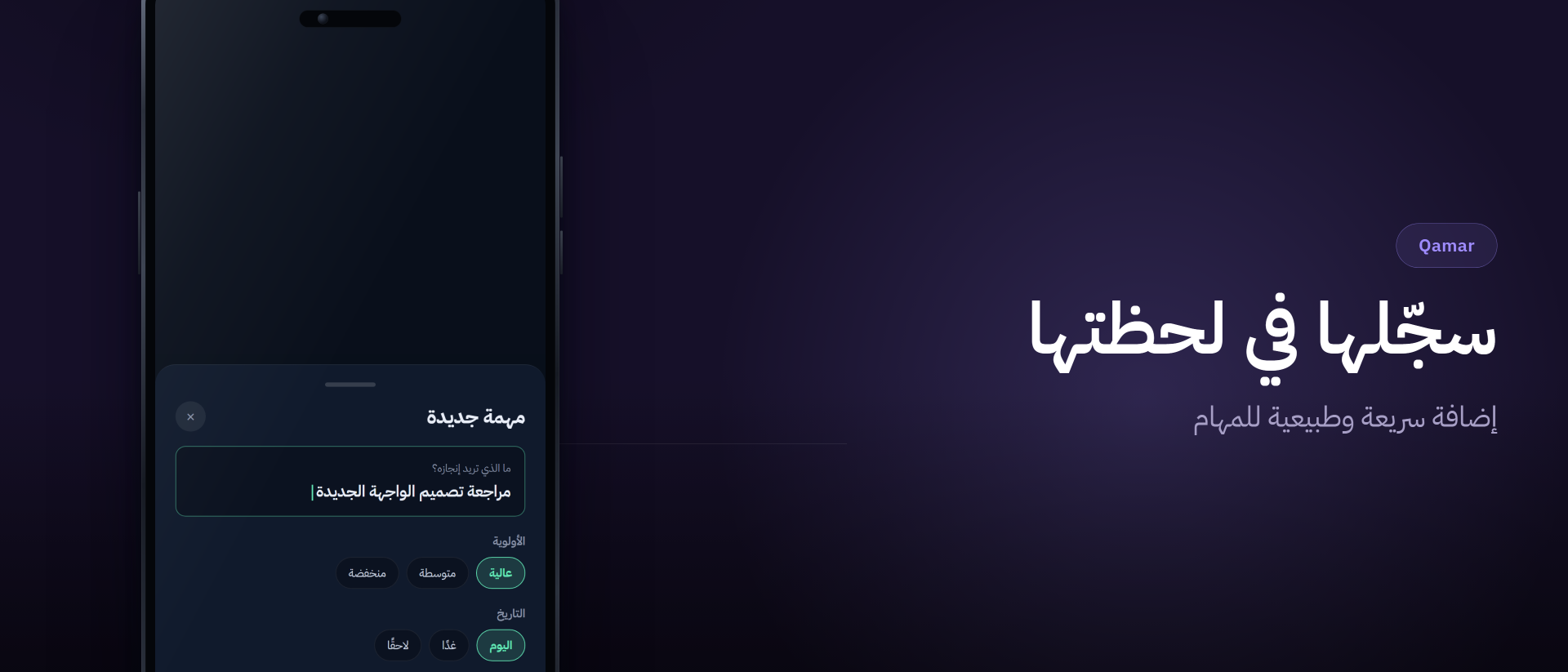
Most screenshot tools break Arabic — disconnected letterforms, reversed strings, clipped headlines. StoreShot renders through Chromium's text engine and mirrors layouts structurally.
- Connected letterforms. Shaping and bidi belong to the text engine — strings are never reversed or reordered in code.
- Structural mirroring. Layouts flip with CSS logical properties and dedicated RTL selectors — the app screenshot and device hardware are never mirrored.
- Arabic landscape metrics. Landscape headers get a deeper reading edge, narrower text column and their own line budgets, so long headlines compose instead of clipping.
- Mixed-direction text. Arabic headlines with embedded English keep correct bidi order in the same line.
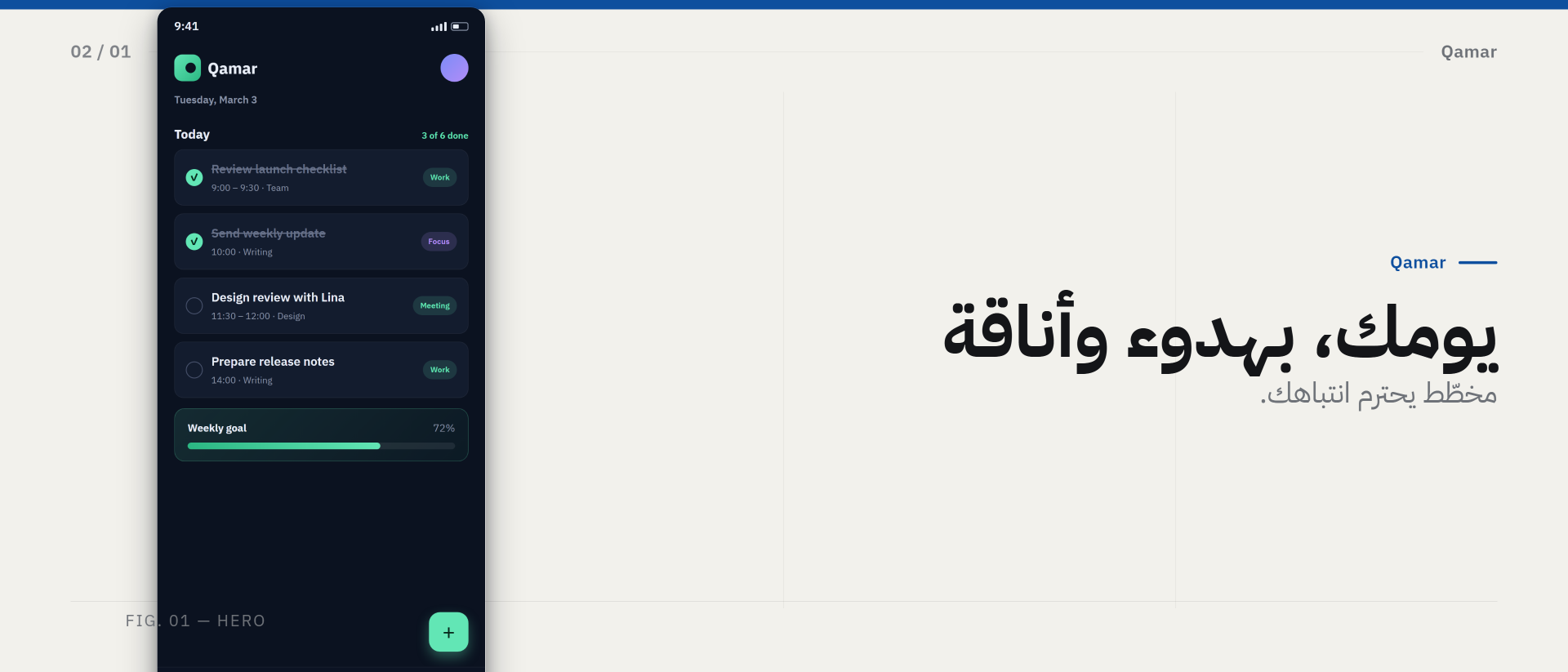
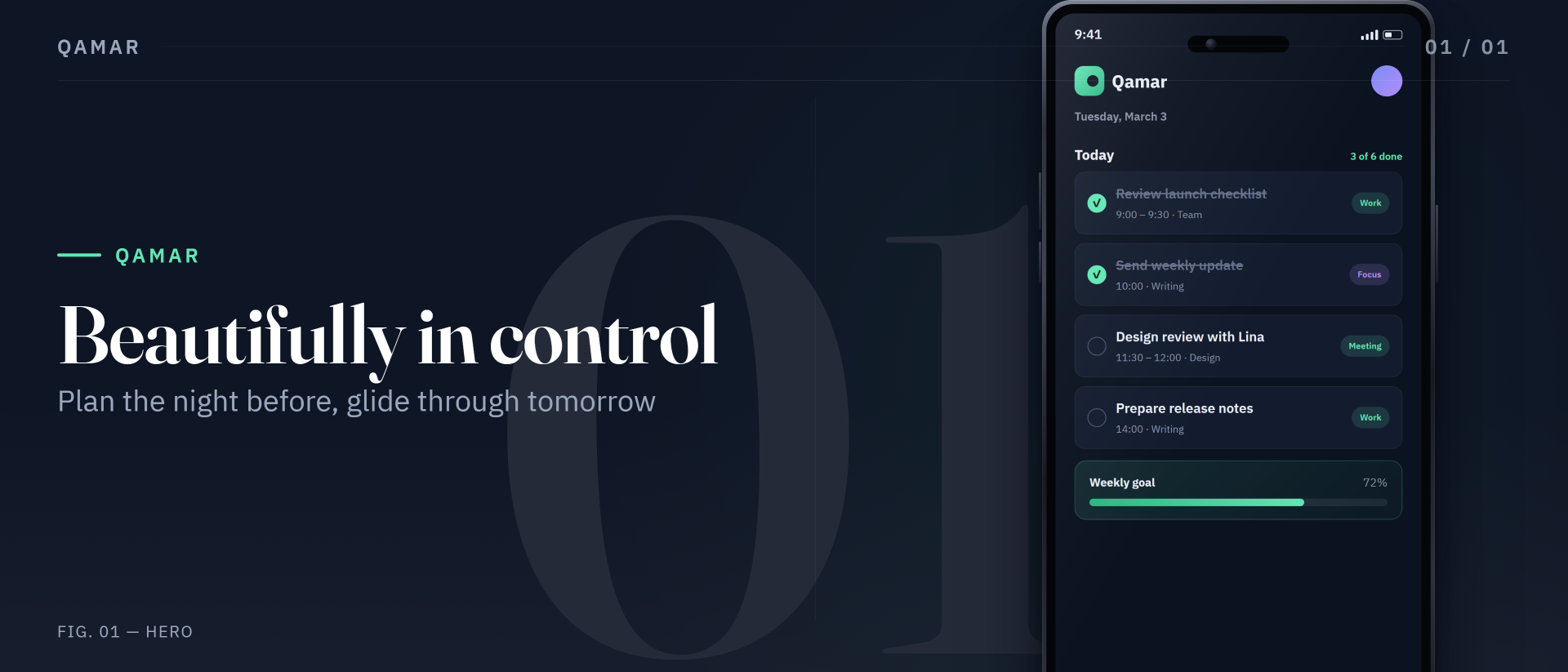
Headers, search results & Play graphics
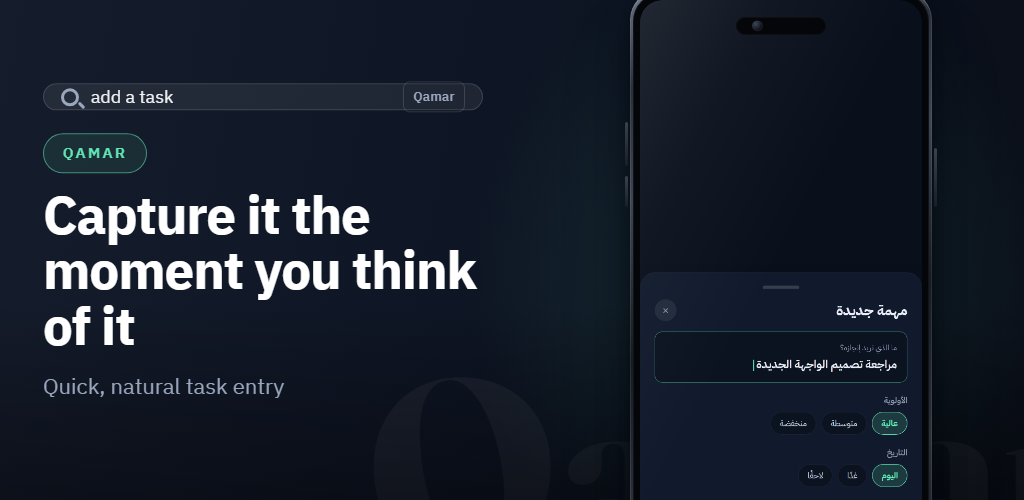
Landscape exports are first-class: every template switches to a dedicated landscape composition — text column, device column, RTL-aware.
Built for the terminal
Install
$ npm install -g storeshot-cli$ storeshot installThe second command is a one-time Chromium download (~170 MB). Already have Chrome or Edge? STORESHOT_BROWSER_CHANNEL=msedge storeshot generate reuses it.
- PlatformsWindows, macOS, Linux · Node.js ≥ 20
- OutputPNG, opaque, exact store dimensions — App Store & Google Play
- DeterminismNetwork requests are blocked inside the renderer; identical runs produce identical pixels
- CI
validate --jsonfor pipelines · exit codes 0 / 1 / 2 - DocsGetting started · Configuration · Template authoring · RTL guide
- ContributeContributing guide — templates, verified profiles and RTL edge cases welcome
Same config.
Same pixels.
Every run.
Free, offline and open source. Ship store listings that look designed — from the tool that already builds your app.
$ npm install -g storeshot-cli